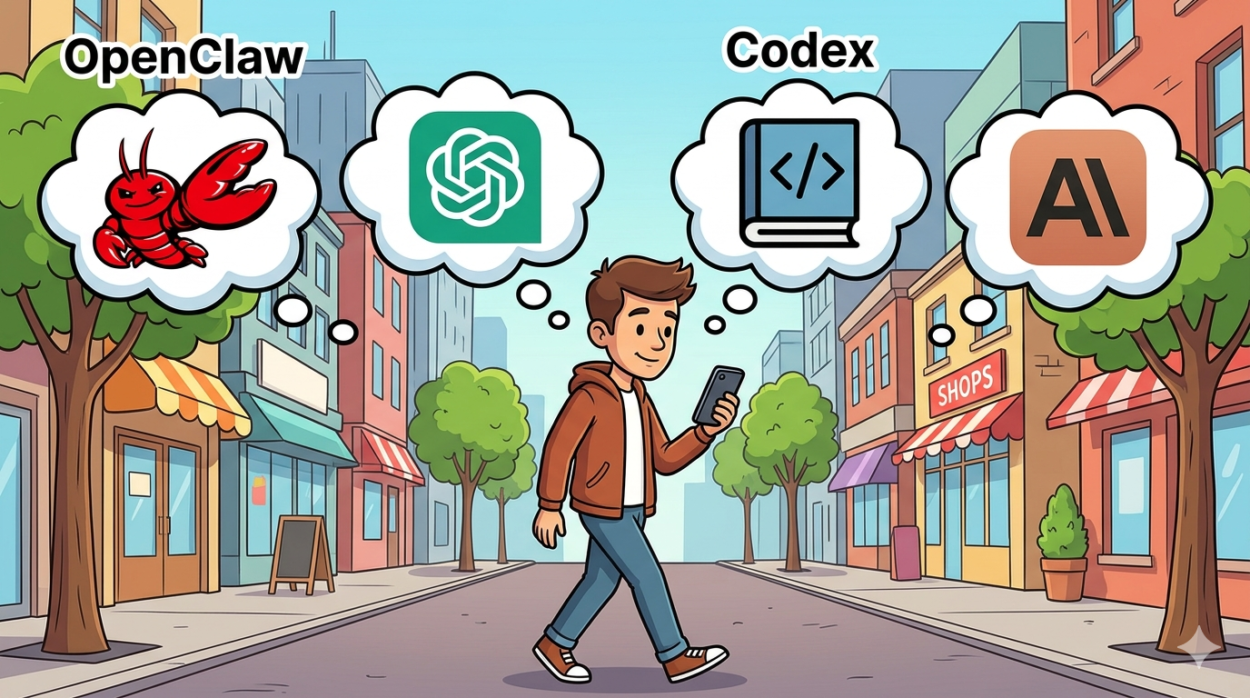
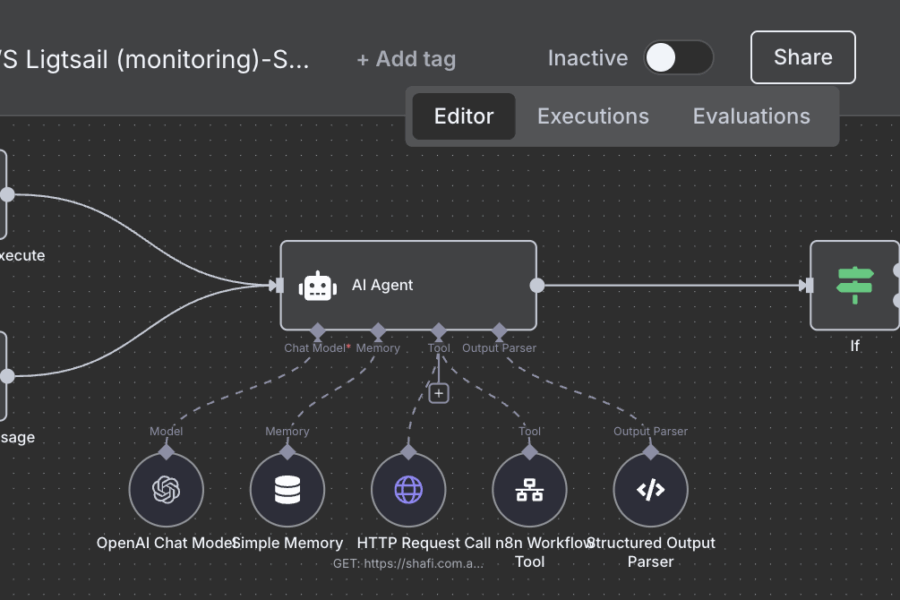
I want AI to feel personal and help me with day-to-day work. Tools like n8n are useful when you want to automate steps in a workflow, but that was not really the problem I was trying to solve. I wanted one assistant I could message from my phone, open on my laptop, route jobs through, and gradually shape around the way I work.
In my setup, that assistant runs through OpenClaw on a Raspberry Pi, with Telegram on my phone, the OpenClaw dashboard on my laptop, Playwright browser automation running on a Synology NAS, and a local Ollama model available as a fallback. The primary model path is not fully local, though. For day-to-day use, I am mainly using ChatGPT via Codex because it fits this workflow better for me than Claude Code did.
The result is not some magical all-local AI. It is something more useful: a personal agent stack that is always available, split across the machines that make the most sense, and tied to real jobs I care about – coding, writing blog posts, product reviews, share investing, and property research.
Why I Tried This
What I was looking for was closer to a persistent personal assistant than a collection of automations.
I wanted to be able to send a message from my phone, check progress later on my laptop, and hand different kinds of work to different agents without turning everything into a pile of brittle scripts. I also wanted the control layer to live in my own setup rather than inside a hosted service I could not really shape.
That is where OpenClaw clicked for me. It is a self-hosted gateway for AI agents, supports multiple chat surfaces, has a browser-based control UI, and can route work across isolated sessions and sub-agents. That made it feel less like a single chatbot and more like a practical operating layer for a personal assistant.
I should be clear about one other point: this stack is also a result of what was workable for me personally. In my case, Claude Code subscription limitations made this OpenClaw workflow less viable, so I ended up using ChatGPT subscription access through Codex as the main path instead. I am not claiming that applies to everyone. It is just the setup that made sense for me.
My Setup
Here is the rough split in my current setup:
- Raspberry Pi: runs the OpenClaw gateway and orchestration layer
- Laptop: used for the OpenClaw dashboard and deeper control
- Phone: Telegram for quick access and lightweight requests
- Synology NAS (AMD-based): runs Playwright MCP for browser automation
- Local model fallback: Ollama is available if I want a self-hosted backup path
- Primary model path: ChatGPT subscription via Codex
This is an important point: I am not trying to say the whole thing runs locally. It does not. The control plane is self-hosted, and that matters a lot to me, but my primary reasoning path still depends on a hosted model.
That trade-off feels fine in practice. I care more about self-hosting the workflow, routing, and control than forcing every token to stay on my network at all costs. The local Ollama fallback is still useful for resilience and experimentation, but it is not pretending to be the main engine in this setup.
Why OpenClaw Became the Control Layer
The Raspberry Pi is really hosting the coordination layer, not every heavy part of the system.
That is one of the reasons I like this approach. OpenClaw can sit there as the always-on control point while I access it through Telegram when I am away from my desk or through the dashboard when I want to inspect sessions, steer an agent, or watch tool output in more detail.
It also supports model fallback and custom providers, including Ollama, which fits well with a hybrid setup. I can use the better hosted model path most of the time and still keep a local option around.
Another practical win is sub-agents. Instead of pushing every job through one general assistant, I can split roles. One agent can focus on research, another on browsing, and another on writing or summarising. That sounds like a small architectural detail, but in practice it reduces friction. The whole system feels easier to reason about when each agent has a narrower job.
The Real Use Case: A Property Research Agent
The part that makes this stack worth maintaining is that it does a real job for me.
Instead of building a demo assistant that can answer trivia, I have been shaping this around a real-estate research workflow. I give the agent selection criteria, ask it to suggest 10 suburbs, and save those in a shortlist. From there, it can work through that shortlist, find matching properties, inspect listings, browse live sites, verify details, and turn that into something more actionable than a raw search result.
This is also where the multi-agent setup starts to make sense. A browsing-focused agent can handle the live website work. Another agent can help structure findings. Another can summarise or package the result in a way that is easier to use later.
For me, that is the difference between “AI tooling” and a personal AI assistant. The assistant is not just generating words. It is coordinating work across tools and agents around a real recurring task.
What Worked Well
A few parts of this setup have worked especially well for me:
- It is reachable from different surfaces. Telegram is good for quick interactions, while the dashboard is better when I want visibility and control.
- The architecture is split sensibly. The Pi handles orchestration, the NAS handles browser automation, and the hosted model handles most of the heavy reasoning.
- Sub-agents make the workflow cleaner. Dedicated roles reduce chaos and make it easier to build repeatable flows.
- Local fallback is still valuable. Even though Ollama is not the main path, I like having a backup option in the stack.
The biggest win, though, is that it feels personal. It is not just an automation tool sitting in a tab waiting for me to wire up another flow. It is something I can reach from my phone or laptop and actually use as an assistant.
Problems and Limitations
This setup is still very much a real home-lab system, which means it comes with real home-lab problems.
The first issue is complexity. Once you split orchestration, browser automation, chat surfaces, dashboards, local fallback models, and hosted model access across multiple components, there is more to debug.
The second issue is that browser automation on live property sites is never completely smooth. Bot protection, inconsistent pages, and small site changes can all break assumptions.
The third is that this is only partly local. If your goal is complete local privacy and independence from hosted AI models, this exact setup is not that. The self-hosted part is the control layer and workflow. The primary model quality still comes from outside the home network.
And finally, I have not tried to turn this into a broad claim about cost, speed, or universal reliability. In my setup, it is useful. That is the claim I feel comfortable making.
It also still depends on subscription LLMs like ChatGPT and, at times, Claude. My earlier Claude-based workflow became less reliable because of support hiccups around OpenClaw, which pushed me further toward Codex. Better models with larger context windows will make systems like OpenClaw more capable over time.
Final Thoughts
What I ended up with is not a “run everything locally on a Pi” story. It is a hybrid personal agent setup that uses a Raspberry Pi where a Raspberry Pi makes sense.
The Pi runs the control plane. Telegram gives me simple access on my phone. The dashboard gives me better visibility on my laptop. Playwright MCP on the Synology NAS handles the messy browser work. Codex gives me the primary model quality I wanted, and Ollama stays there as a fallback.
There is still more for me to learn, especially around memory, tools, and teaching the agent how to browse and scrape data from different websites.
If I eventually switch parts of this setup to something like a Mac mini for more reliable local Ollama models, that would be a practical infrastructure change, not a change in the overall idea.
If you are looking for a personal AI assistant you can shape around your own workflow, I think this kind of split architecture is much more interesting than the usual local-AI demo. The real trick is not making it sound impressive. It is making it useful.

Leave a Comment